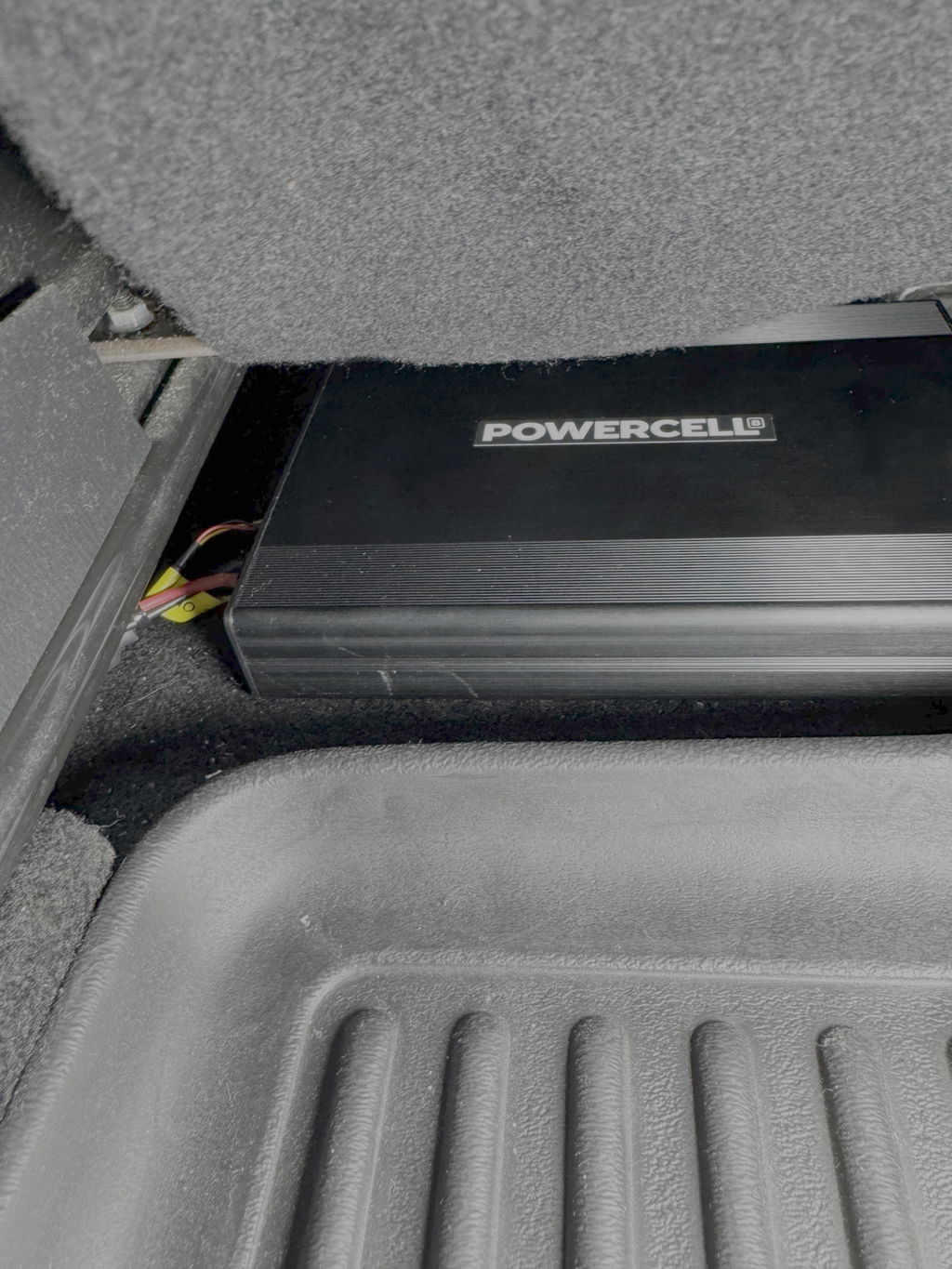
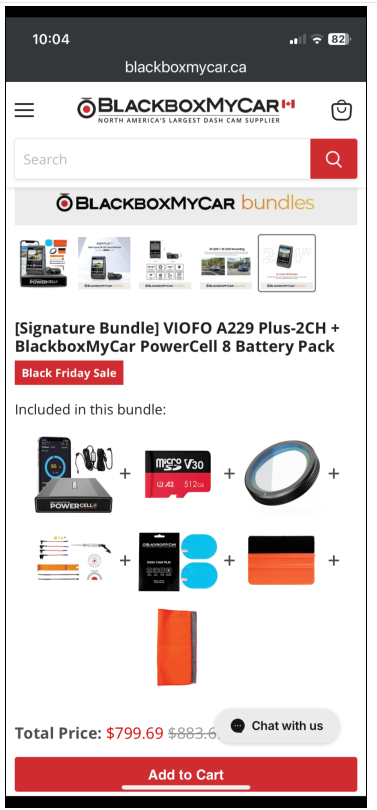
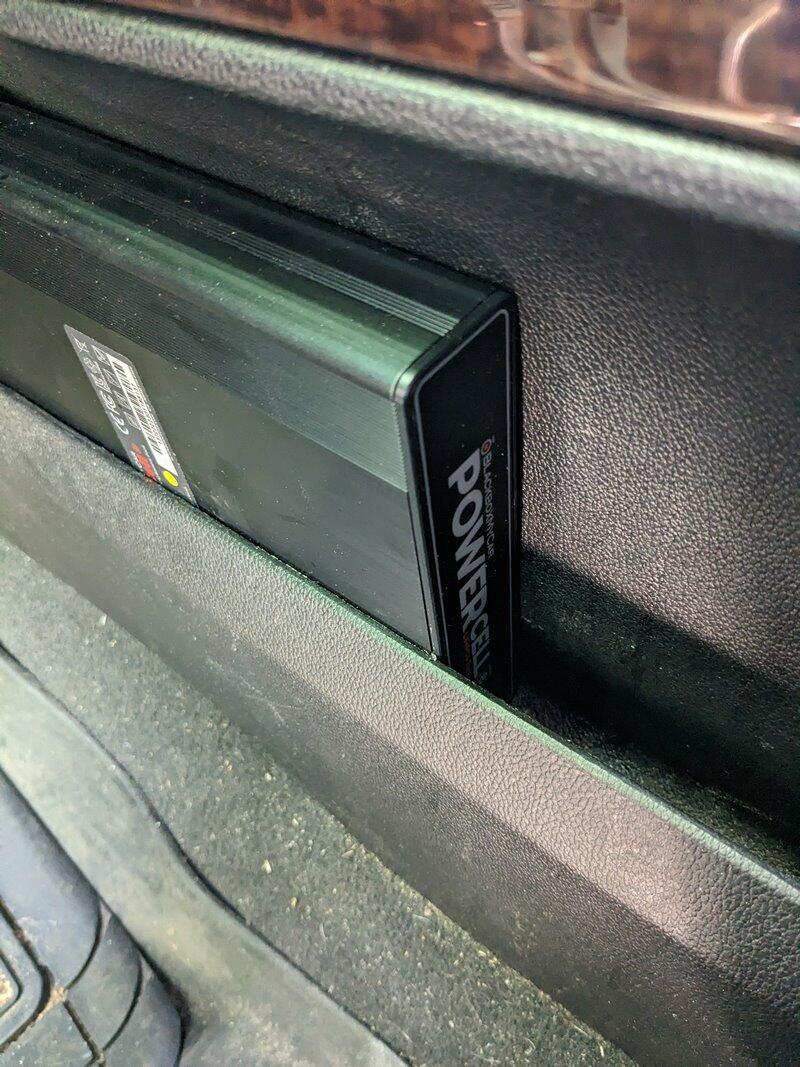
BlackboxMyCar PowerCell 8 Dash Cam Battery Pack
The BlackboxMyCar PowerCell 8 is a high-capacity LiFePO4 dash cam battery pack built for reliable parking mode without draining your vehicle battery. It delivers up to 24 hours of parking protection for a standard 2-channel dash cam, then recharges while you drive.
With ultra-fast charging, Bluetooth monitoring, multiple input options, and safe LiFePO4 chemistry, the PowerCell 8 is the clean power solution for premium dash cam setups that need real parking coverage.
Designed by BlackboxMyCar for long-lasting parking mode
The PowerCell 8 gives your dash cam a dedicated 96 Wh power reserve for parking mode. It keeps your camera running after the ignition is off, without depending on the vehicle starter battery.
That matters because vehicle-battery hardwiring can hit voltage cutoff earlier than expected. With the PowerCell 8, a standard 2-channel dash cam can record for approximately 24 hours, giving you stronger coverage overnight, during work shifts, or while parked in public lots. For setup planning, start with our Dash Cam Installation Hub.
Safer LiFePO4 battery chemistry for in-car use
The PowerCell 8 uses LiFePO4 battery chemistry built for heat, stability, and daily cycling. It is rated for operating temperatures up to 158°F, which is critical for electronics stored inside a parked vehicle.
Compared to standard lithium-ion cells, LiFePO4 is more resistant to swelling, fire risk, and long-term wear. It also offers a longer service life than standard nickel-based batteries, making it a better fit for drivers in hot, cold, and changing climates.

Bluetooth app monitoring from your phone
The PowerCell 8 connects to the Cellink NEO Plus Battery Manager App through built-in Bluetooth. From your phone, you can check real-time battery status, remaining charge percentage, and input/output voltage.
This removes the guesswork from a hidden install. You can confirm that the battery is charging correctly, see how much parking mode time is left, and keep tabs on the system without pulling the battery out from under a seat or cargo panel.
- Apple App Store: US Version | CA Version
- Google Play Store: US Version | CA Version

Ultra-fast charging with hardwire or 12V input
The PowerCell 8 can recharge in about 50 minutes when hardwired or about 80 minutes through a 12V cigarette lighter socket. That gives commuters enough charging speed to top up the battery during normal driving.
Hardwiring is the cleaner and faster setup, while the 12V input gives you a simpler install path when appropriate. Either way, the idea is straightforward: charge while driving, then let the dash cam run from the battery pack once parked.
Expandable power and clean output cable options
The PowerCell 8 is expandable with the Cellink NEO Extended Battery Pack for longer parking mode coverage. If you need more than a standard overnight window, an expansion pack can extend runtime with a single connection.
The PowerCell 8 also supports multiple output cable options for popular dash cam brands, including Thinkware, FineVu, VIOFO, BlackVue, and standard socket-powered setups. Use our output cable guide if you are matching a battery pack to a specific dash cam. For home charging or pre-trip top-ups, pair it with the BlackboxMyCar Power Inverter.

What's Included
- BlackboxMyCar PowerCell 8 battery pack
- Input power cable
- Input Hardwiring Cable
- Cigarette Socket Input Cable (12V Power Cable)
- One of each 20A Add-A-Fuse for battery packs: ATO, Low-Profile, Micro2, Mini
- One power output cable of your choice
- 2 Velcro Strips
- User Manual
- 1-Year Warranty
Specifications
| Battery Capacity | 96 Wh / 7500mAh |
| Battery Chemistry | LiFePO4 |
| Charging Time | 50 min hardwire | 80 min cigarette plug |
| Charging Voltage / Current | High: 9A | Low: 6A |
| Included Add-A-Fuses | 20A ATO, Low-Profile, Micro2, and Mini add-a-fuses |
| Bluetooth | Built-in |
| LED | Built-in |
| Speaker | Built-in |
| Dimensions | 151mm x 204.8mm x 32.6mm |
| Weight | 1.32kg |
| Operating Temperature | -10°C to 70°C (14°F to 158°F) |
| Operating Temperature Charging | 0°C to 45°C (32°F to 113°F) |
| Smartphone App | Yes |
| USB Option | 1 USB Port |
| Extension Pack Compatibility | Cellink NEO Extended Battery Pack |
| Country of Origin | South Korea |
| Warranty | 1-Year Manufacturer Warranty |
Frequently Asked Questions
What does the BlackboxMyCar PowerCell 8 do?
The BlackboxMyCar PowerCell 8 powers your dash cam in parking mode without draining your vehicle battery. It charges while you drive, then supplies dedicated power after the ignition is off.
Is the PowerCell 8 compatible with my dash cam brand?
Yes. The PowerCell 8 works with most major dash cam brands, including BlackVue, Thinkware, VIOFO, and FineVu, when paired with the correct output cable.
How do I install the PowerCell 8?
You can plug the PowerCell 8 into a compatible 12V cigarette lighter socket or hardwire it to the fuse box. For the cleanest install and faster 50-minute charging time, hardwiring is recommended. See our Dash Cam Installation Hub for install help.
Why is LiFePO4 better than a regular lithium battery?
LiFePO4 is safer and more durable for in-car use than standard lithium-ion chemistry. It handles high heat better and is more resistant to swelling or fire risk, which matters inside a parked vehicle.
Does the PowerCell 8 support cloud-connected dash cams?
Yes. The PowerCell 8 is a strong match for cloud-connected dash cams because those systems draw more power during parking mode. You can also use the USB output to power a compatible Wi-Fi hotspot device.
Should I choose the PowerCell 8 or PowerCell 5?
Choose the PowerCell 8 for premium dash cams, longer parking coverage, and 2-channel setups. Choose the PowerCell 5 for entry-level dash cams or shorter parking mode needs.
What if I need more than 24 hours of recording?
If you need longer parking coverage, add a compatible extension battery pack. Adding an expansion battery can increase total capacity for longer parked recording.
Output wiring notes
Output wiring for VIOFO dash cams
- VIOFO Spliced Hardwire Kit: for VIOFO A129 Plus, A119 V3, and A129 Series dash cams.
- VIOFO Spliced HK4-C Hardwire Kit: for VIOFO T130, A139 Series, A229 Series, A329 Series, and A119 Mini Series dash cams.
- VIOFO Type-C HK5 Hardwire Kit: for VIOFO VS1 dash cams.
Changing passwords
If you change the battery password, enter the default password 1234 when prompted for the old password. There is no customer password retrieval or reset function, and manufacturer technicians are required for password resets.
We strongly recommend not changing the password unless you absolutely need to. If you do change it, keep a record of the new password because you will need it every time you access the power pack settings.
Resources
- Shop all dash cam battery packs
- Choosing the Right Output Cable for Your Battery Pack
- BlackVue B-130X vs. BlackboxMyCar PowerCell 8 Battery Pack
- Do I need a Dash Cam Expansion Pack?
- Other Ways to Use Your Dash Cam Battery Pack
- Dedicated Dash Cam Battery Pack v. USB Power Bank
- Getting a Dash Cam for Your EV?
- Can I use a dash cam for my EV?
- BlackboxMyCar PowerCell 8 Dash Cam Battery Pack User Manual
- Subscribe to our YouTube channel for the latest news, reviews, and guides.