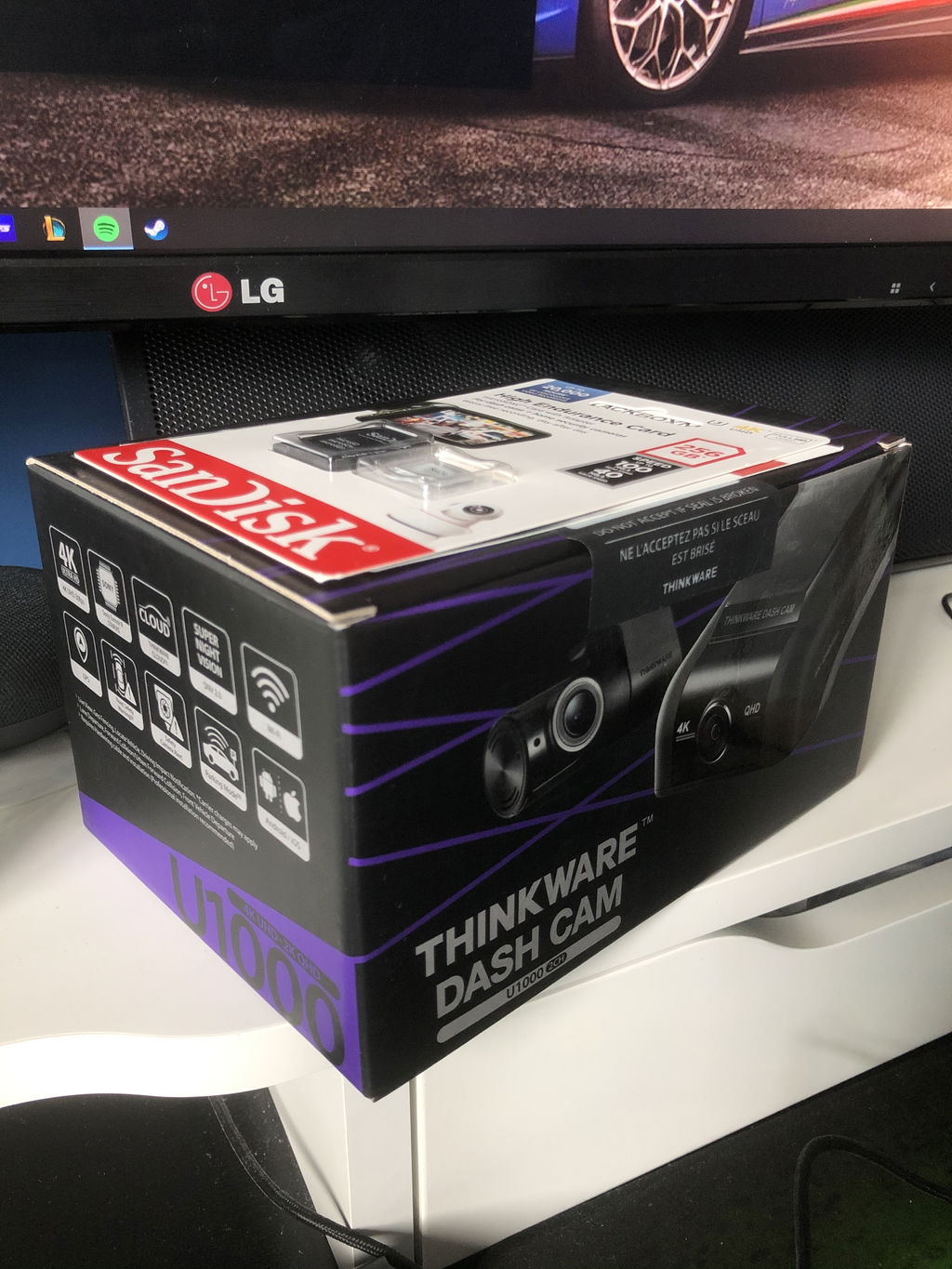
Which cameras and power cable come with this package?
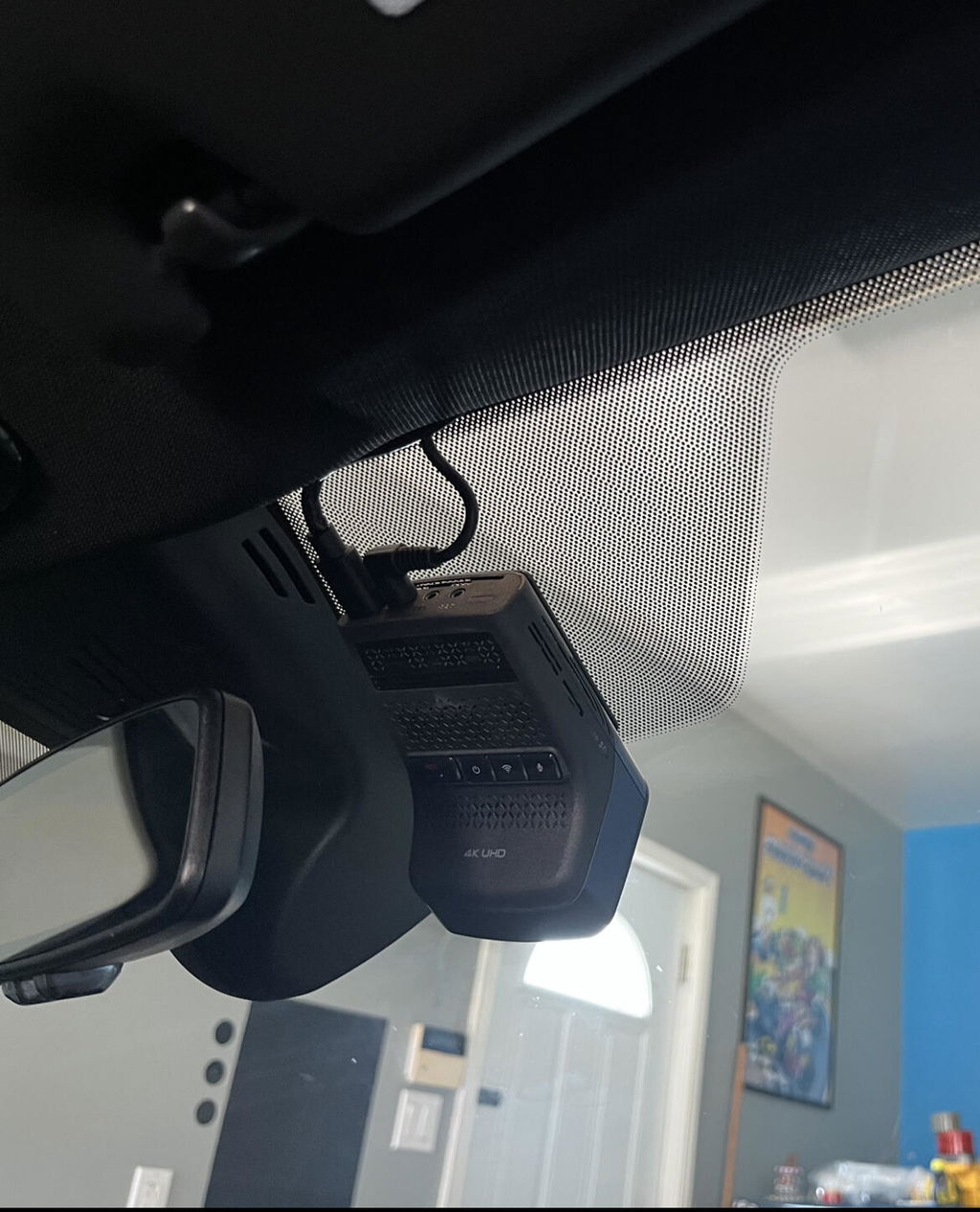
One front camera and a hardwiring cable are included. There is no rear or cabin camera. A 64GB card and front CPL filter are included.
Does the front camera record 4K at 60FPS?
No. Select 4K at 30FPS or 2K at 60FPS. The higher frame-rate option reduces the front resolution to 2K.
When can I use HDR?
HDR is available during continuous driving recording. Front HDR requires 4K resolution. HDR is not available for parking recording.
Can HDR and Super Night Vision operate together?
No. The manual specifies that they cannot operate simultaneously. Super Night Vision 4.0 can be assigned to driving, parking or both; compare saved clips after changing the setting.
Does radar guarantee video from before an impact?
No. A radar impact event can use up to ten seconds of earlier motion-detection footage when that footage exists. Radar is not a continuously running pre-impact video buffer.
What does Motion Detection save?
It saves 20-second motion or impact clips, including ten seconds before and ten seconds after detection. It is a separate parking option from Radar, Time Lapse and Energy Saving.
How does Time Lapse handle an impact?
It records at 2FPS. An impact event includes 50 seconds before and after detection, compressed into a 20-second clip. Ordinary ten-minute recording periods become two-minute files.
Does Energy Saving capture the lead-up to an impact?
No. It records for 20 seconds after impact detection. Choose an appropriate buffered mode if you need earlier activity.
Can I change parking modes without losing files?
Back up the recordings first. The manual warns that changing parking-mode settings deletes videos recorded under the previous settings.
Will the supplied power cable enable parking recording?
The included hardwiring cable supports parking recording when correctly connected and configured. The battery and accessory feeds must be identified correctly; professional installation is recommended.
How long can it record while parked?
There is no fixed duration for every installation. Power capacity, recording mode, cutoff settings, temperature and detected activity affect runtime. A supercapacitor is not a battery for overnight recording.
Will metallic tint affect radar?
It can. Thinkware warns that metallic tinted glass may reduce radar detection. Check performance after mounting the camera.
Do I need a cellular plan for the phone app?
No plan is needed for nearby DASH CAM LINK access over Wi-Fi. Remote Thinkware CONNECTED services need the separate LTE Module, compatible SIM and service plan.
Can I connect LTE and an interior camera together?
No. They share the same accessory port. Choose LTE for a remote connection or the optional interior camera for cabin footage.
Does the optional cabin camera record while parked?
No. Its infrared cabin footage is recorded during continuous driving mode. It adds no cabin parking view and has no microphone of its own.
What memory cards are supported?
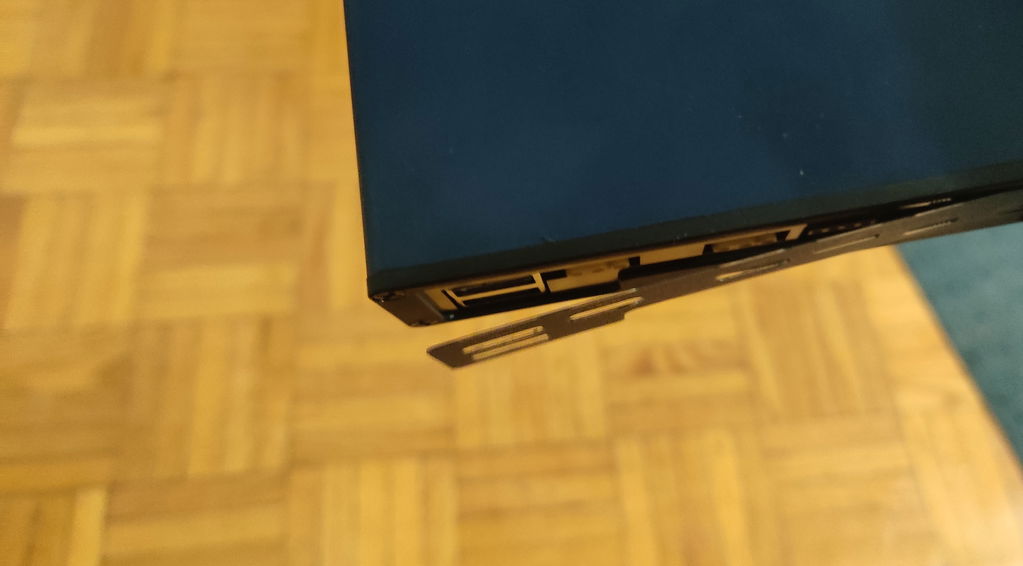
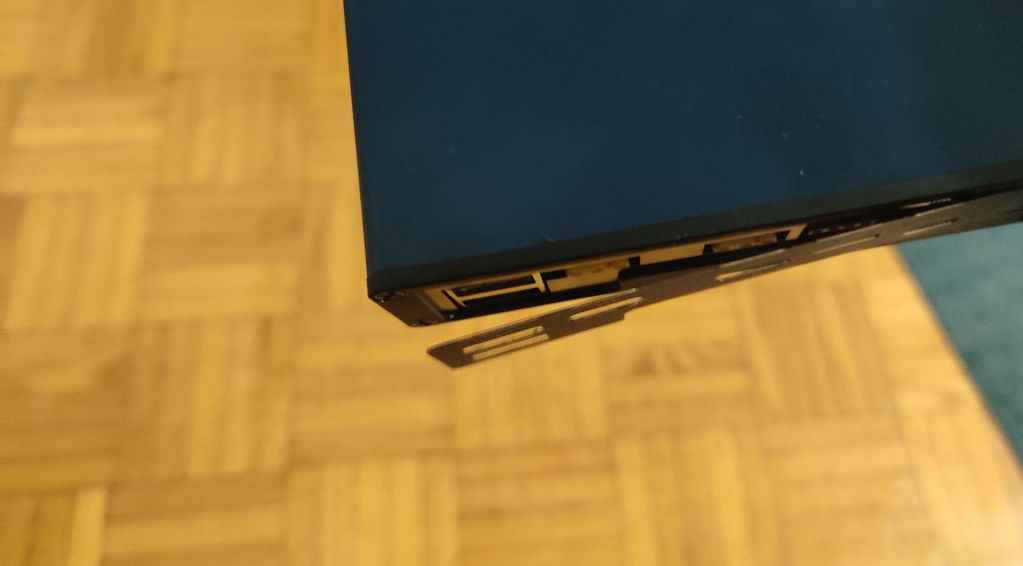
The camera supports compatible UHS-I microSD cards in 64GB, 128GB, 256GB and 512GB capacities. This package includes a 64GB card. Back up important files before formatting or changing parking modes.
What happens if the camera gets too hot?
Thermal protection can reduce recording functions or shut the camera down. The specified operating range is −10°C to 60°C; thermal protection does not make temperatures beyond that range suitable for continuous use.
What warranty applies?
This new Thinkware dash cam has a one-year warranty.
Rear camera, rear cable and OBD-II power cable are not included. LTE Module, service plan, interior camera and battery pack are sold separately.