


Voice Notifications in VIOFO Dash Cams
Understand spoken alerts, choose your settings and check the camera when something needs attention
Recognize what the camera is telling you
A short spoken update can help you understand the camera’s state without interpreting a series of beeps. It does not establish that an entire journey has been recorded or that a file is backed up.
Listen for the message, then make any menu changes when safely parked. We would keep useful status alerts enabled while learning a new setup, and review the options once you know which messages matter to you.

What voice notifications tell you
Voice notifications give spoken updates about a VIOFO dash cam's recording status and settings. Depending on the model, you may hear that recording has started, a file has been protected or the memory card needs attention.
The original A229 Duo and A139 have notification settings in their manuals. VIOFO also lists the feature for the T130, WM1, A139 Pro and A229 Pro. Check the instructions for your exact model and firmware before changing a setting.

Responding to memory-card alerts
A spoken card warning is a reason to check the camera when you are safely parked. Use a compatible microSD card and follow your model's troubleshooting and formatting instructions.
Back up important recordings before formatting: formatting deletes files. Some VIOFO models announce a successful format, but the button sequence and exact message differ between models.
The A139 illustration gives examples of one-, two- or three-channel recording, a successful memory-card format and a protected video. The available channel announcement depends on the cameras connected to the model.

Notifications and voice commands
A notification reports camera status. Voice control lets you speak a command, such as asking the camera to take a photo or turn on Wi-Fi.
VIOFO lists voice notifications for the WM1, T130 and A139 Pro, with voice control marked unsupported. The A229 Pro supports both. Check your model’s voice-control menu for the commands it supports.

Protecting an important recording
The original A229 Duo and A139 manuals describe protecting the current recording with the emergency button. Their G-sensors can also protect a clip when they detect a collision.
A spoken protection announcement confirms the camera's file-protection action. Save a separate copy of footage you need, and follow the exact model's file-management instructions. Motion detection in parking mode is a separate setting from an impact trigger.

Recording and parking announcements
Recording announcements can tell you that recording has started or paused. A channel announcement depends on the cameras connected to the dash cam. Wi-Fi enabled or disabled reports the setting; Wi-Fi connected reports a connection event. Audio-recording notices concern the microphone setting.
Parking recording needs the appropriate power connection and settings for your model. Use the model manual alongside our parking-mode guide when planning that setup.

Changing notification settings
Park before using the camera or app menus. The original A229 Duo manual instructs you to pause recording before entering settings, and provides separate controls for Voice Notification and Beep Sound.
The original A139 manual also separates Voice Notification, Voice Notification Language and Notification Sounds. Choose from the options your camera provides. Available languages and prompts can vary with the model and firmware.
If you want fewer sounds, check the notification and beep options separately before switching everything off. Keep a note of the original settings. A microphone-recording option concerns the audio saved with footage; it is not a substitute name for the notification setting.
Check the exact VIOFO model
The original A229 Duo, A139 and A119 Mini are different models from the A229 Pro, A139 Pro and A119 Mini 2. The original A119 Mini already had spoken notifications, so the A119 family should not be treated as a single beeps-only group.
Browse our VIOFO dash cams or two-channel dash cams for model information. Compare the notification and voice-control features separately before choosing a camera.
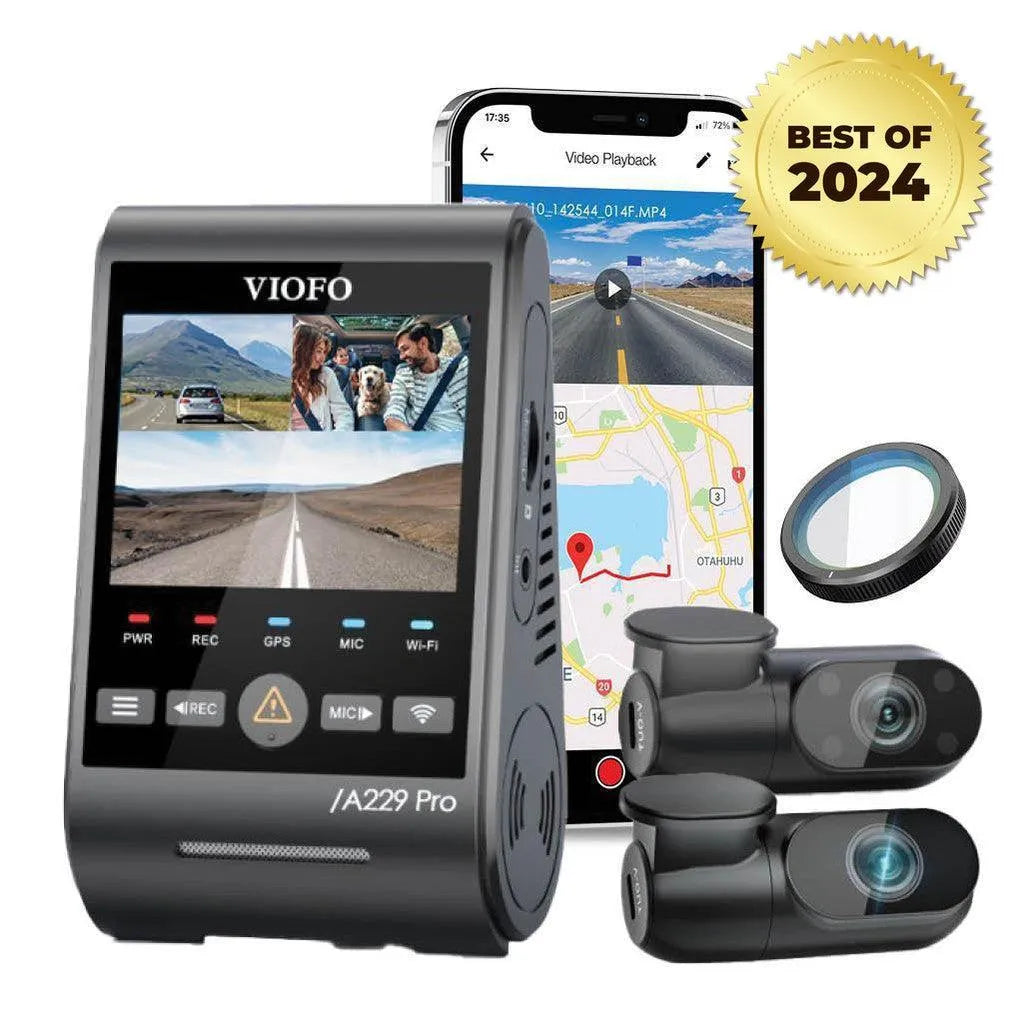

Find the right notification setting
Tell our team your exact VIOFO model, firmware version and the message you hear. Let us know whether you want to change a sound, resolve a card alert or check why a file was protected. We can help you find the relevant controls and instructions.