


VIOFO A139 Pro vs. Vantrue N4 Pro
Three-camera coverage, mounting choices and parking recording explained
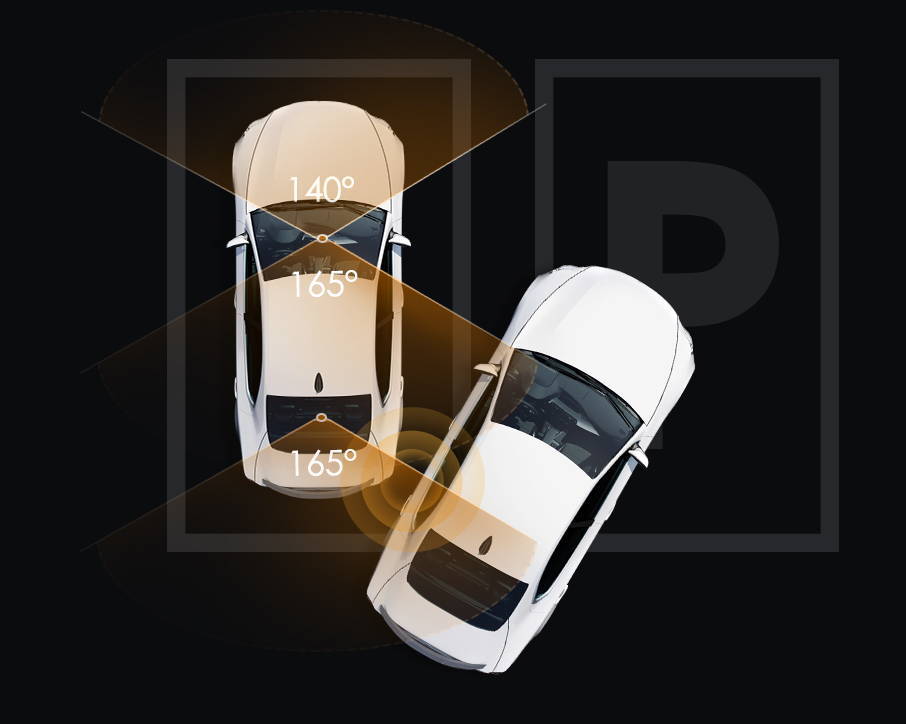
At BlackboxMyCar, we help you choose the coverage that matters when you need a recording. For rideshare drivers, that often means seeing the cabin as well as the road ahead and behind. Both of these three-channel systems cover those views, but their mounting layouts and recording settings differ.
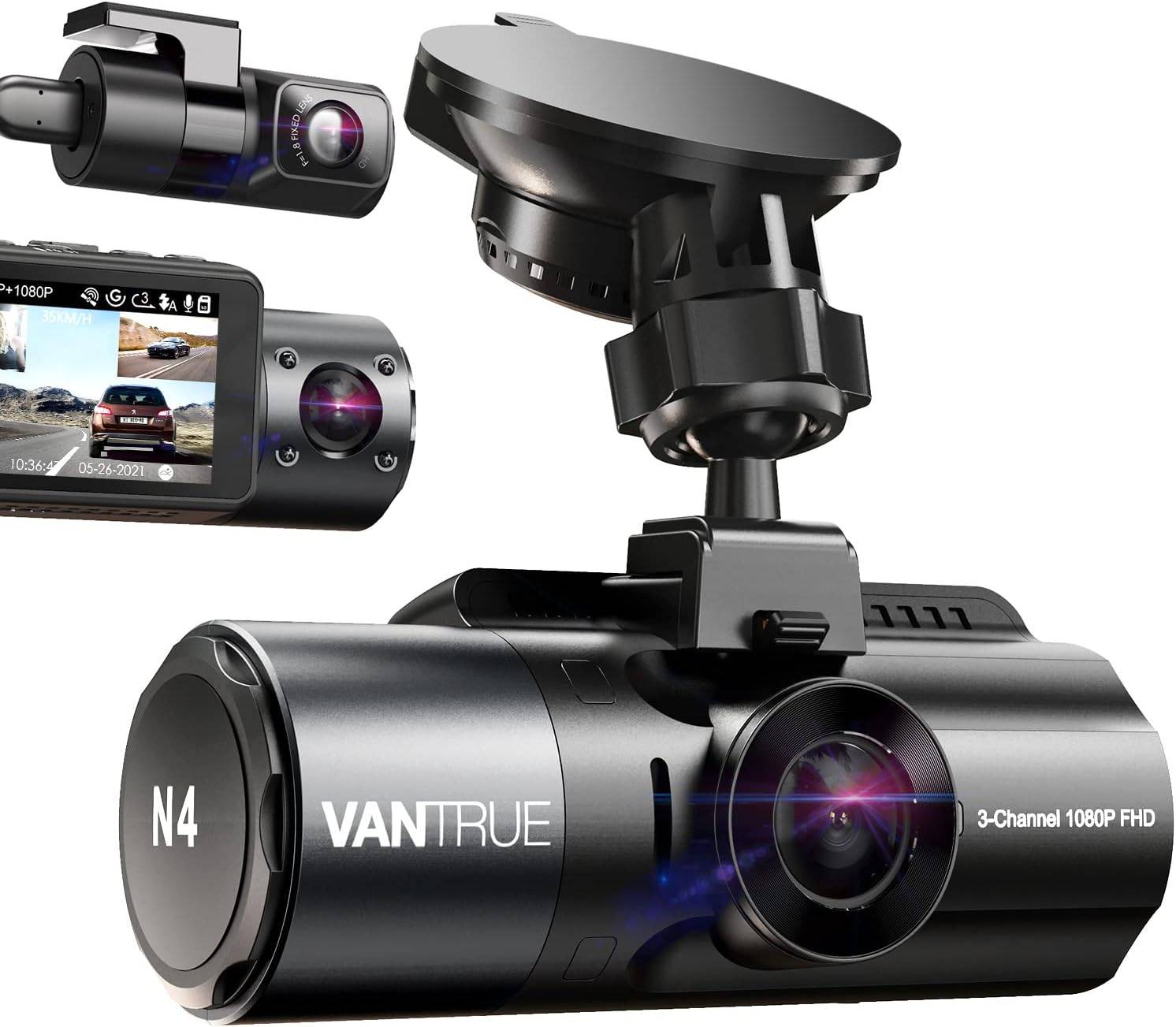
This comparison covers the A139 Pro 3CH and N4 Pro, not the A139, N4 or N4 Pro S. Some earlier Vantrue illustrations in this article show the N4; their captions identify that distinction. The specifications below come from the exact Pro-model manuals and manufacturer support information.
Choose a layout that fits your windshield
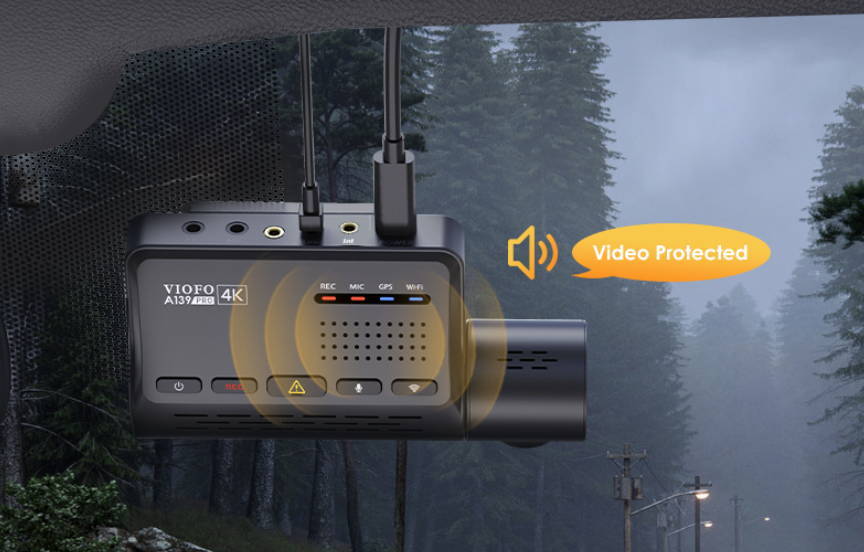
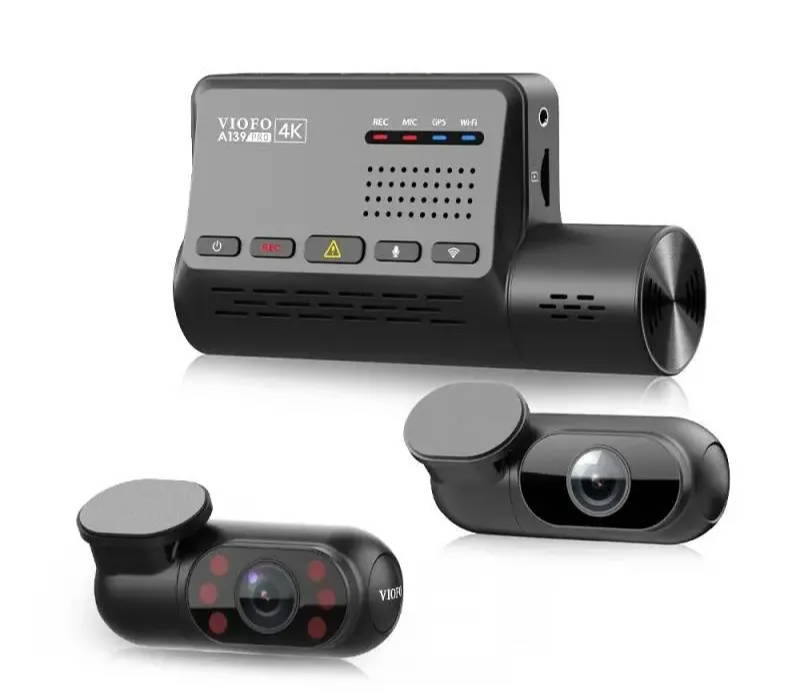
The A139 Pro has no display. Its front unit, cabin camera and rear camera mount separately, giving you more freedom to position the cabin lens around a mirror or sensor housing. VIOFO uses slim coaxial camera cables; leave room for their connectors and route them without interfering with airbags.
The N4 Pro combines its forward and cabin lenses in the main unit and uses a separate rear camera. Its V5.3 manual specifies a 3.19-inch screen and an adhesive GPS mount. This is different from the suction-mounted N4 pictured in the earlier product illustration below.
Our advice is to check both views before attaching anything permanently. A tidy front-camera position is only useful if the cabin lens also sees the seats you need. Keep the installation clear of your driving view, airbags and vehicle sensors.
Compare the mode with all three cameras connected
A 4K label does not tell you the complete recording mode. The A139 Pro manual lists 3840 × 2160 front plus 1080P cabin and rear at 24 FPS in its three-channel mode. It also lists lower-resolution three-channel modes at 30 FPS. Its 1440P 60 FPS option applies to single- or two-channel recording, with HDR off; it does not apply to three-channel 4K recording.
VIOFO’s current product table lists a different three-channel frame rate. We use the manual-documented mode here rather than promising that every A139 Pro records three channels at 30 FPS. Confirm the options shown by your camera and firmware before choosing a mode.
The N4 Pro V5.3 manual lists 4K front + 1080P cabin + 1080P rear at 30 FPS. Do not apply the earlier N4’s front-and-cabin 1440P illustration to this Pro model.
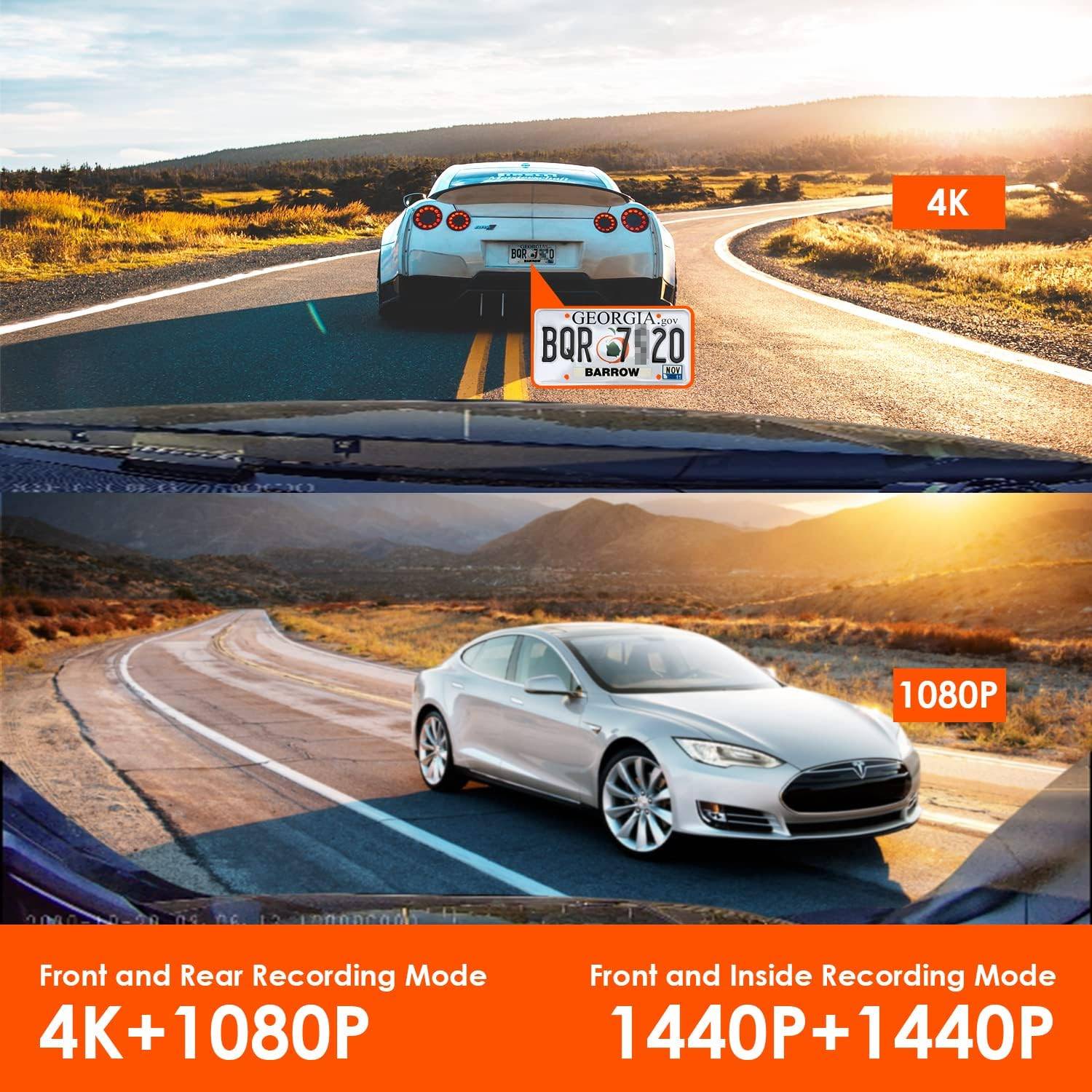
The A139 Pro’s front camera uses the Sony STARVIS 2 IMX678 sensor; its secondary cameras are not the same sensor. HDR is intended to balance bright and dark areas. Infrared cabin lighting helps with a dark interior and produces black-and-white video when active. Neither resolution nor an infrared-light count guarantees a readable plate or a clear face in every scene. See our HDR and WDR explanation for the practical difference.
For less windshield reflection, VIOFO lists a front CPL in the A139 Pro package; Vantrue lists its N4 Pro CPL as optional. Confirm the contents of the particular kit you buy. Our Aqua Shield is another windshield accessory to consider; it is not a substitute for keeping the camera’s view clean and unobstructed.
Plan the power supply as carefully as the camera
For parking coverage, start with a compatible, continuous power supply. A camera plugged into an ignition-switched outlet usually loses power when you park. Use the manufacturer-compatible parking hardwire kit or an appropriate dash cam battery setup, with installation suited to your vehicle.
The A139 Pro offers auto-event detection, time-lapse and low-bitrate parking recording. VIOFO’s support table lists a 15-second pre-event buffer for the A139 Pro in auto-event detection. Its current product page names HK3-C or HK4 hardwire kits. Match the cable and installation to your exact camera.
The N4 Pro offers collision detection, buffered motion detection, low-bitrate and low-frame-rate parking modes. Vantrue describes a 10-second pre-event buffer for motion detection; that does not mean its separate collision-detection mode also records the same pre-event footage. Its manual calls for a Vantrue-compatible ACC kit or another stable continuous supply.
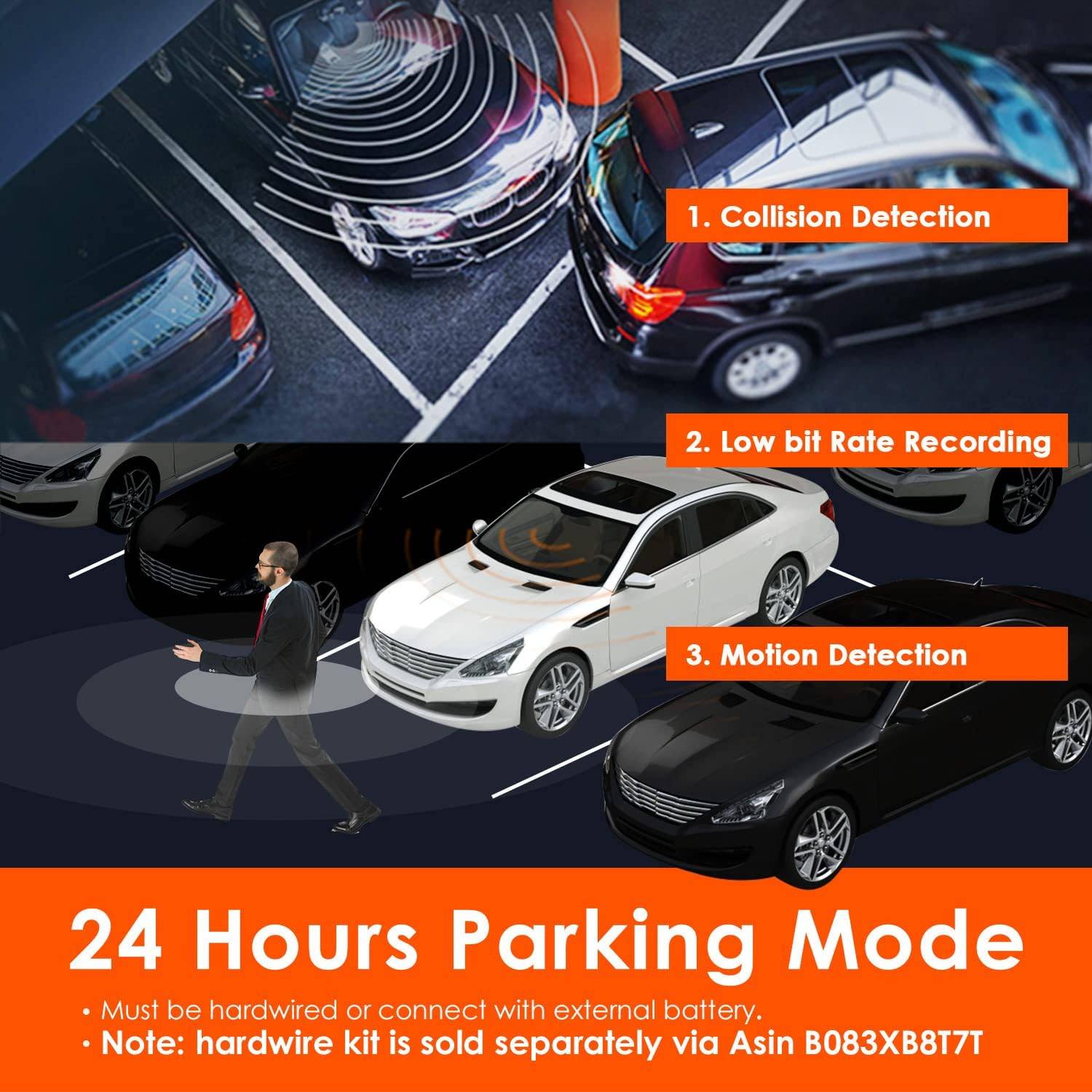
We recommend choosing the mode around where you park: event detection for selected incidents, or continuous low-bitrate recording when you want more of the surrounding timeline. Battery condition, cutoff settings, recording load and temperature affect coverage. Both manuals advise turning the camera off at around 60°C inside the vehicle. A published operating range does not guarantee uninterrupted recording in a hot parked car.
Make sure you can retrieve the recording
Both systems provide local 2.4GHz/5GHz Wi-Fi and GPS recording information. Connect your nearby phone to the camera’s Wi-Fi to use its app. This is local access, not remote cloud monitoring. GPS adds location and speed information when a signal is available; check the time zone and a saved clip after setup.
The A139 Pro provides spoken status notifications. The N4 Pro also supports voice commands. Notifications tell you about camera status; commands let you ask for supported actions. If voice control is a priority for a new front-only setup, you can also compare our VIOFO A119M Pro listing.
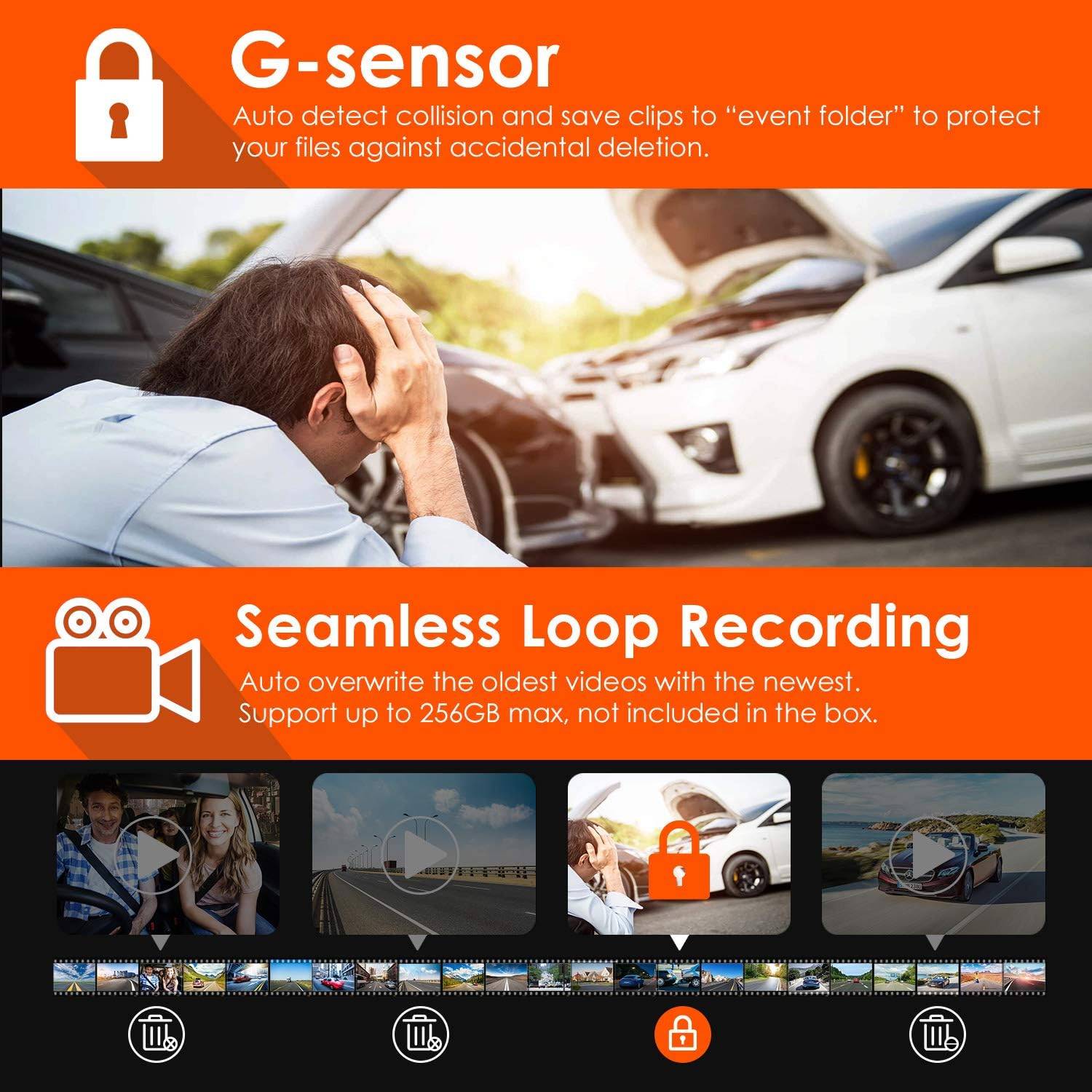
For peace of mind, practise finding and exporting one recording while safely parked. Save important clips off the camera promptly, before loop recording or formatting removes them. Event folders are not a permanent backup.
The A139 Pro manual specifies cards up to 512GB. The N4 Pro V5.3 manual specifies 32-512GB, while Vantrue’s current product listing advertises support up to 1TB. Check the current approved-card guidance for your exact firmware before buying a larger card; capacity alone does not establish recording reliability.
The earlier Vantrue artwork says 256GB. It also illustrates event-file protection and loop overwriting. Those ideas help explain file handling, but that old capacity label is not the current N4 Pro limit.
Compare the complete setups
On smaller screens, swipe or scroll sideways to compare both cameras.
| Feature | VIOFO A139 Pro 3CH | Vantrue N4 Pro |
|---|---|---|
| Camera views | Front, separate cabin camera and rear | Front/cabin main unit and separate rear |
| Three-channel mode documented in the manuals | 4K front + 1080P cabin + 1080P rear, 24 FPS; lower-resolution 30 FPS modes also listed | 4K front + 1080P cabin + 1080P rear, 30 FPS |
| Screen and controls | No screen; app, buttons and voice notifications | 3.19-inch screen in V5.3 manual; app, buttons and voice commands |
| Wi-Fi and GPS | Local 2.4GHz/5GHz Wi-Fi; GPS | Local 2.4GHz/5GHz Wi-Fi; GPS mount |
| Parking options | Auto-event, time-lapse, low bitrate | Collision, motion, low bitrate, low frame rate |
| Pre-event buffer | 15 seconds in supported auto-event mode | 10 seconds in motion-detection mode |
| Power for parking | Compatible HK3-C/HK4 kit or suitable continuous supply | Vantrue-compatible ACC kit or suitable continuous supply |
| Storage | Manual: up to 512GB | V5.3 manual: 32-512GB; current listing: up to 1TB, subject to exact firmware/card guidance |
| Glare filter | Manufacturer lists front CPL included; verify purchased kit | Optional CPL in the manual |
| Recording and audio | Loop recording, G-sensor event protection, microphone and speaker; time-lapse is silent | Loop recording, G-sensor event protection, microphone and speaker; low-frame-rate parking recording is silent |
The old review’s prices and blanket one-year warranty entries are not a current offer. Compare the camera, compatible power cable, memory card, any filter and installation together. Warranty eligibility depends on the seller, purchase and applicable regional terms; keep your receipt and use the terms supplied with your order.
Which would we choose?
We favour the A139 Pro’s separate cabin-camera layout when you need flexibility around a large mirror or want the front unit out of sight. We would consider the N4 Pro’s screen and voice commands when you prefer more controls on the camera itself. We would not pick a winner from infrared-light counts, marketing pictures or an unqualified “4K” label.
Shopping for a new system? Start with the coverage you need, then compare current supported options. Our team can help you choose the camera, card and parking-power setup together. The goal is a recording you can use and a setup you understand, on and off the road.

VIOFO A229 Ultra 3CH
Compare this current front, rear and interior package when you need all three views. The product page shows the exact kit contents.
View A229 Ultra 3CH
VIOFO A329S 3CH
Compare its recording modes, storage options and parking setup with the coverage you need. The product illustration is labelled A329; the linked listing specifies the current A329S package.
View A329S 3CH
VIOFO A229 Ultra 2CH
Choose front-and-rear coverage when you do not need a cabin camera. You can also compare the A329S 2CH.
View A229 Ultra 2CHManuals and help choosing your setup
Use the A139 Pro manual and the buffered-parking model table for the VIOFO details.
For Vantrue, use the N4 Pro V5.3 manual. Manufacturer information was reviewed on October 28, 2026. The frame-rate and card-capacity differences noted above remain important when matching a used camera or older firmware.
Tell us your vehicle, the views you want to record and how long you usually park. We’ll help you narrow down a compatible setup for the protection and peace of mind you came to BlackboxMyCar for.
Talk to our dash cam experts